Joint Knowledge Online (JKO) is enhancing the security of its Learning Management System (LMS) by introducing multi-factor authentication (MFA) as a latest update.
This MFA implementation affects username and password logins. CAC/PIV login is not impacted by this change.
Username/password logins will require identity verification using a second authentication method—an email-based one-time passcode (OTP). This new feature is a critical security measure that protects user accounts from unauthorized access.
By implementing MFA, JKO is prioritizing the safety of user data and ensuring compliance with modern cybersecurity standards. Users can expect a seamless process: after entering their password, they will receive a unique OTP via email, which must be entered to complete the login.
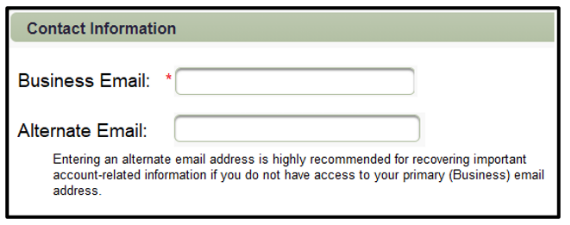
JKO users relying on username and password to access the LMS must have accurate email addresses in their profile to receive the OTP email. You will be prompted to update your information at your next login.
How MFA will work:
Need help?
Visit our FAQ page or contact the Help Desk at 757-203-5654 or js.jko.helpdesk@mail.
This cybersecurity step underscores JKO’s commitment to providing a secure and reliable learning environment for our users.